GitOps on K3s with ArgoCD
Series: K3s on Raspberry Pi
- Build a K3s Cluster on Raspberry Pi
- Deploy a Go Service to K3s
- GitOps on K3s with ArgoCD ← this article
- Multi-Environment K3s with Kustomize
- Secrets in K3s with Vault and External Secrets Operator
Continuation of Deploy a Go Service to K3s. The service is running - now replace the manual kubectl apply workflow with ArgoCD so every git push deploys automatically.
1. Install ArgoCD
sudo kubectl create namespace argocd
sudo kubectl config set-context --current --namespace=argocd

kubectl apply -n argocd --server-side --force-conflicts \
  -f https://raw.githubusercontent.com/argoproj/argo-cd/stable/manifests/install.yaml
Wait until all pods are running:
sudo kubectl get pods -n argocd
# NAME                                               READY   STATUS
# argocd-application-controller-0                    1/1     Running
# argocd-applicationset-controller-b7669f646-wnhn8   1/1     Running
# argocd-dex-server-569b757-phff9                    1/1     Running
# argocd-notifications-controller-58ff87546-dmr7r    1/1     Running
# argocd-redis-b9496d8bf-2w84b                       1/1     Running
# argocd-repo-server-75ffcfc9df-86rnf                1/1     Running
# argocd-server-76755b46f8-792bw                     1/1     Running
2. Fix the Traefik TLS conflict
ArgoCD serves its own HTTPS by default. When Traefik terminates TLS at the ingress and forwards HTTP to ArgoCD, ArgoCD redirects back to HTTPS - creating a redirect loop.
Fix: tell ArgoCD to run in insecure mode so Traefik owns TLS end-to-end.
sudo kubectl -n argocd patch deployment argocd-server \
  --type='json' \
  -p='[{"op":"add","path":"/spec/template/spec/containers/0/args/-","value":"--insecure"}]'
Now create the ingress so the UI is reachable at https://argocd.local:
apiVersion: networking.k8s.io/v1
kind: Ingress
metadata:
  name: argocd-ingress
  namespace: argocd
  annotations:
    traefik.ingress.kubernetes.io/router.entrypoints: websecure
    traefik.ingress.kubernetes.io/router.tls: 'true'
spec:
  ingressClassName: traefik
  rules:
    - host: argocd.local
      http:
        paths:
          - path: /
            pathType: Prefix
            backend:
              service:
                name: argocd-server
                port:
                  number: 80
sudo kubectl apply -f ingress.yaml
Add to your Windows hosts file (C:\Windows\System32\drivers\etc\hosts):
192.168.0.51 argocd.local
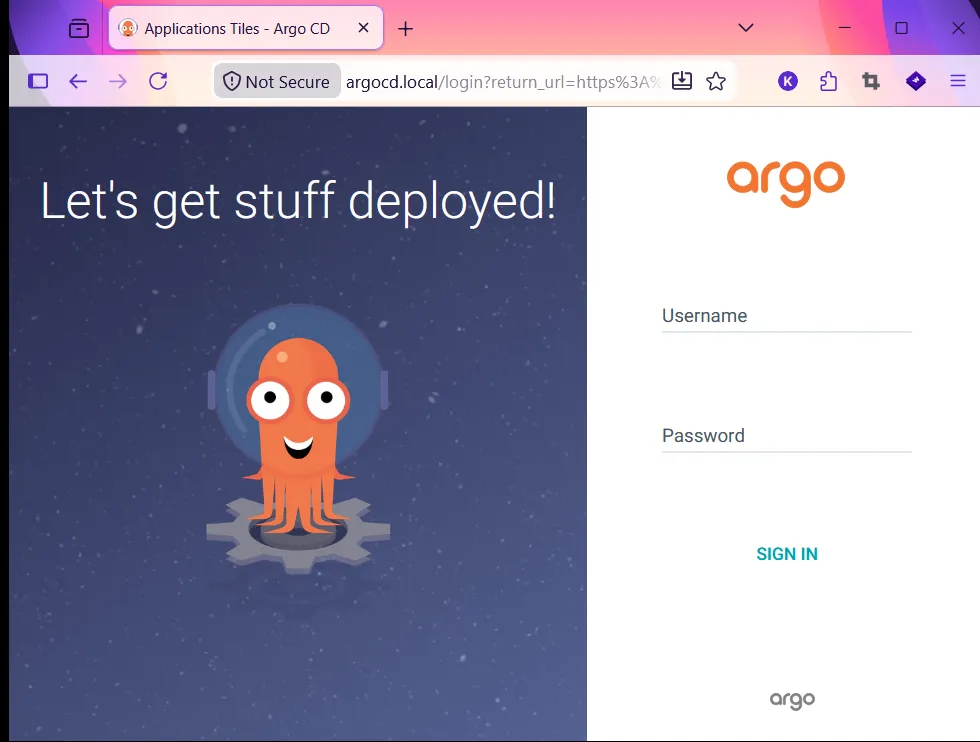
Open https://argocd.local (note: https, not http) and get the initial password:
sudo kubectl -n argocd get secret argocd-initial-admin-secret \
  -o jsonpath="{.data.password}" | base64 -d; echo
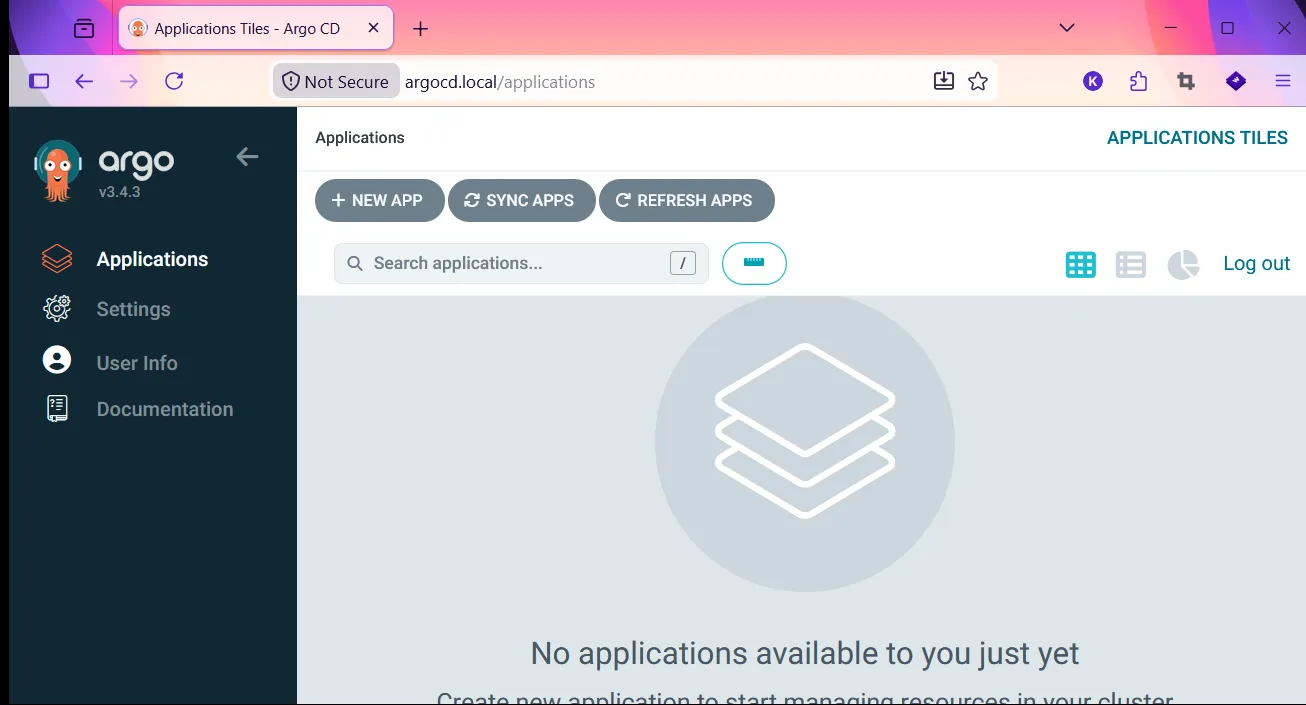
Login with admin + the password above.
3. Remove manually deployed apps
The REST API was applied with kubectl apply earlier. Delete it - ArgoCD will redeploy it from Git.
sudo kubectl delete -f ingress.yaml -n pi
sudo kubectl delete -f service.yaml -n pi
sudo kubectl delete -f simple-http.yaml -n pi
4. The App-of-Apps pattern
The problem with a plain ArgoCD setup: every new service needs a manual kubectl apply to register it with ArgoCD. That doesn’t scale - and it means your cluster state is only half in Git.
App-of-Apps solves this: one root ArgoCD Application watches a folder in your Git repo. Every YAML file in that folder is itself an ArgoCD Application. Add a file → ArgoCD picks it up and deploys it. No manual cluster commands ever again.
Git repo
└── argocd/
    ├── root-app.yaml        ← apply this ONCE to bootstrap
    └── apps/
        ├── simple-rest-api.yaml   ← ArgoCD App → deploys projects/simple-rest-api/
        └── (new-service.yaml)     ← add a file, get a deployment
└── projects/
    └── simple-rest-api/
        ├── deployment.yaml
        ├── service.yaml
        └── ingress.yaml
The infra repo is at github.com/mk48/k3s-infra.
5. The infra repo structure
k3s-infra/
├── argocd/
│   ├── root-app.yaml          # Bootstrap - the only manual apply
│   ├── ingress.yaml           # ArgoCD UI ingress
│   └── apps/
│       └── simple-rest-api.yaml   # one file per deployed app
└── projects/
    └── simple-rest-api/       # one folder per deployed app
        ├── deployment.yaml
        ├── service.yaml
        └── ingress.yaml
Why this split? argocd/apps/ contains ArgoCD-level objects (what to deploy and where to watch). projects/ contains the actual Kubernetes manifests. Keeping them separate means you can look in argocd/apps/ to see every running app at a glance, and in projects/ to see what each app actually runs.
root-app.yaml
The only file you ever kubectl apply manually. After this, Git drives everything.
apiVersion: argoproj.io/v1alpha1
kind: Application
metadata:
  name: root
  namespace: argocd
spec:
  project: default
  source:
    repoURL: https://github.com/mk48/k3s-infra
    targetRevision: HEAD
    path: argocd/apps # watches this folder
  destination:
    server: https://kubernetes.default.svc
    namespace: argocd # child Applications land in argocd namespace
  syncPolicy:
    automated:
      prune: true
      selfHeal: true
path: argocd/apps- ArgoCD treats every YAML in this folder as a child Application to createprune: true- delete resources from the cluster when you delete them from GitselfHeal: true- revert manualkubectlchanges so Git is always the source of truth
argocd/apps/simple-rest-api.yaml
One file per app. This is how ArgoCD learns about a new service - no kubectl needed.
apiVersion: argoproj.io/v1alpha1
kind: Application
metadata:
  name: simple-rest-api
  namespace: argocd
  finalizers:
    - resources-finalizer.argocd.argoproj.io # cleans up on delete
spec:
  project: default
  source:
    repoURL: https://github.com/mk48/k3s-infra
    targetRevision: HEAD
    path: projects/simple-rest-api
  destination:
    server: https://kubernetes.default.svc
    namespace: pi
  syncPolicy:
    automated:
      prune: true
      selfHeal: true
    syncOptions:
      - CreateNamespace=true
path: projects/simple-rest-api- ArgoCD syncs all manifests in this folder to the clusterCreateNamespace=true- ArgoCD creates thepinamespace if it doesn’t existfinalizers- when you delete this Application from ArgoCD, it also removes the Deployment, Service, and Ingress from the cluster
projects/simple-rest-api/
The actual Kubernetes manifests. ArgoCD watches this folder and applies any changes automatically.
deployment.yaml
apiVersion: apps/v1
kind: Deployment
metadata:
  name: hello-world
  namespace: pi
spec:
  replicas: 2
  selector:
    matchLabels:
      app: hello-world
  template:
    metadata:
      labels:
        app: hello-world
    spec:
      containers:
        - name: hello-world
          image: ghcr.io/mk48/simple-http:latest
          imagePullPolicy: Always
          resources:
            requests:
              memory: '12Mi'
              cpu: '2m'
          ports:
            - containerPort: 8080
              name: web
              protocol: TCP
          livenessProbe:
            httpGet:
              path: /
              port: web
            initialDelaySeconds: 3
            periodSeconds: 30
service.yaml
apiVersion: v1
kind: Service
metadata:
  name: hello-world-service
  namespace: pi
spec:
  selector:
    app: hello-world
  ports:
    - name: http
      protocol: TCP
      port: 80
      targetPort: 8080
ingress.yaml
apiVersion: networking.k8s.io/v1
kind: Ingress
metadata:
  name: hello-world-ingress
  namespace: pi
spec:
  ingressClassName: traefik
  rules:
    - host: hello.local
      http:
        paths:
          - path: /
            pathType: Prefix
            backend:
              service:
                name: hello-world-service
                port:
                  number: 80
6. Bootstrap
Copy argocd/root-app.yaml from the repo to pi01 and apply it - this is the only manual step:
sudo kubectl apply -f root-app.yaml -n argocd
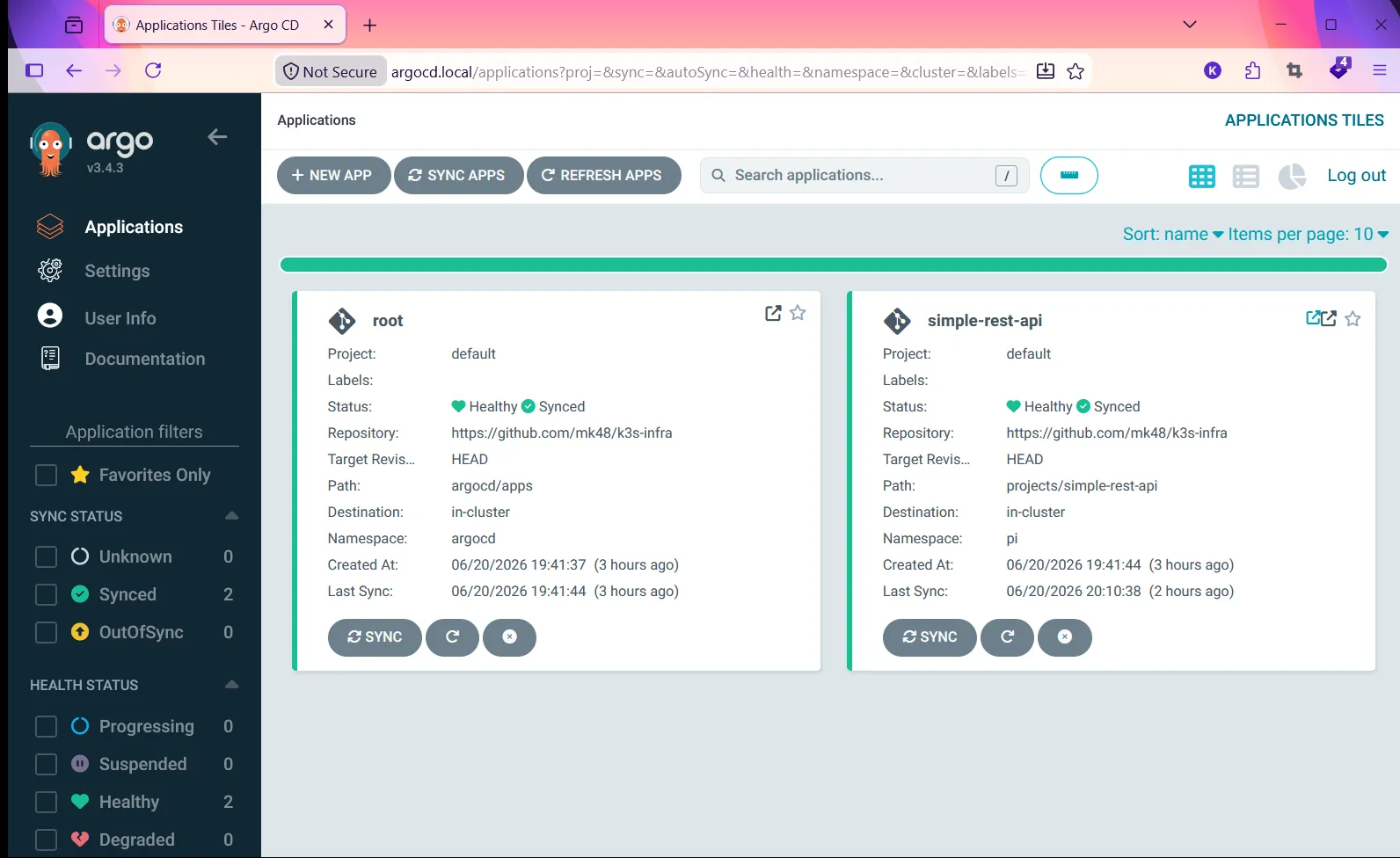
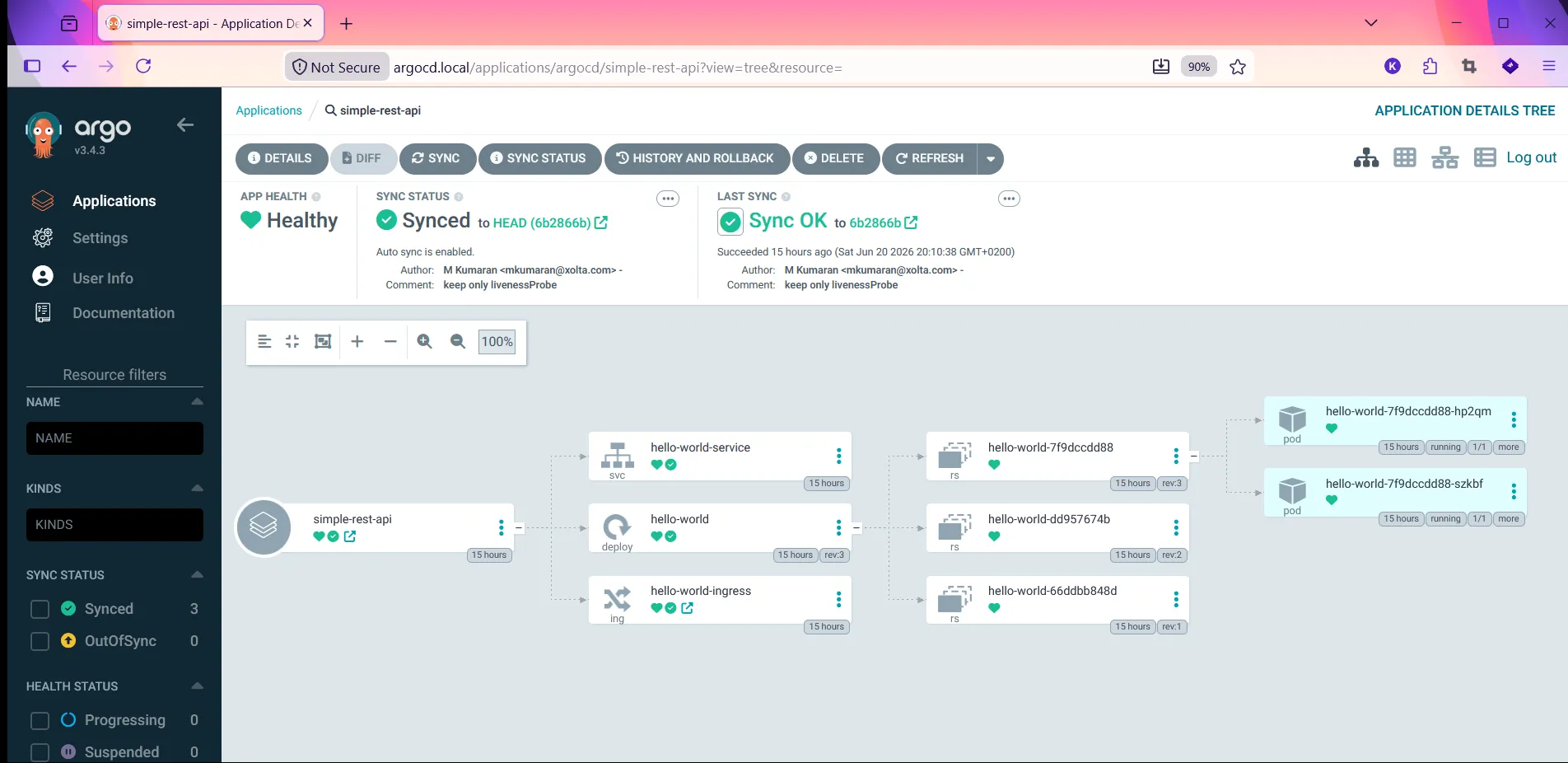
ArgoCD picks up the root app, scans argocd/apps/, finds simple-rest-api.yaml, and deploys everything in projects/simple-rest-api/ automatically.
sudo kubectl get applications -n argocd
# NAME              SYNC STATUS   HEALTH STATUS
# root              Synced        Healthy
# simple-rest-api   Synced        Healthy
7. Adding a new app
To deploy a new service, no kubectl commands required:
- Add your manifests to
projects/new-service/ - Add an Application file
argocd/apps/new-service.yaml(copy simple-rest-api.yaml, change name + path) - git push
ArgoCD detects the new file in argocd/apps/ within seconds and starts syncing projects/new-service/ to the cluster.